Help & advice
Is Reno an alternative to using SketchUp for your home design
With lots of options out there, you'll quickly learn that not all software products or apps are built for the same thing. We experienced the challenge ourselves, planning our own renovations using what we were familiar with at the time before we created Reno.
So, if you're thinking about SketchUp versus Reno, here's where we fit in!
SketchUp is a powerful 3D modelling tool. Reno is built for end to end home renovation planning - simple, as easy to use as possible, and without missing the details that become expensive later.
Quick comparison
Feature |  | |
|---|---|---|
Primary use | End-to-end renovation planning | 3D modelling and design |
Ease of use | Designed for non-technical users | Complex, requires training |
Floor plans + elevations | One auto-generates the other | Requires manual setup |
2D accuracy | Built for millimetre-accurate planning | Possible, but not the focus |
Renovation tips | Built-in prompts and tips | - |
Focus | Planning a real renovation | Creating 3D models |
Best for | Homeowners, renovators, designers, early-stage | 3D designers, architects, 3D modelling |
Learning curve | Low | High |
Output | Practical plans to make and share decisions | 3D models and visualisations |
The core difference? SketchUp helps you build a 3D model. Reno helps you plan a renovation.
2D planning vs 3D modelling
SketchUp is built around 3D.
You can design almost anything in it, but that flexibility comes with complexity.
To plan accurately, you still need to:
- Set up your model correctly
- Work to precise dimensions
- Manage views, layers and components
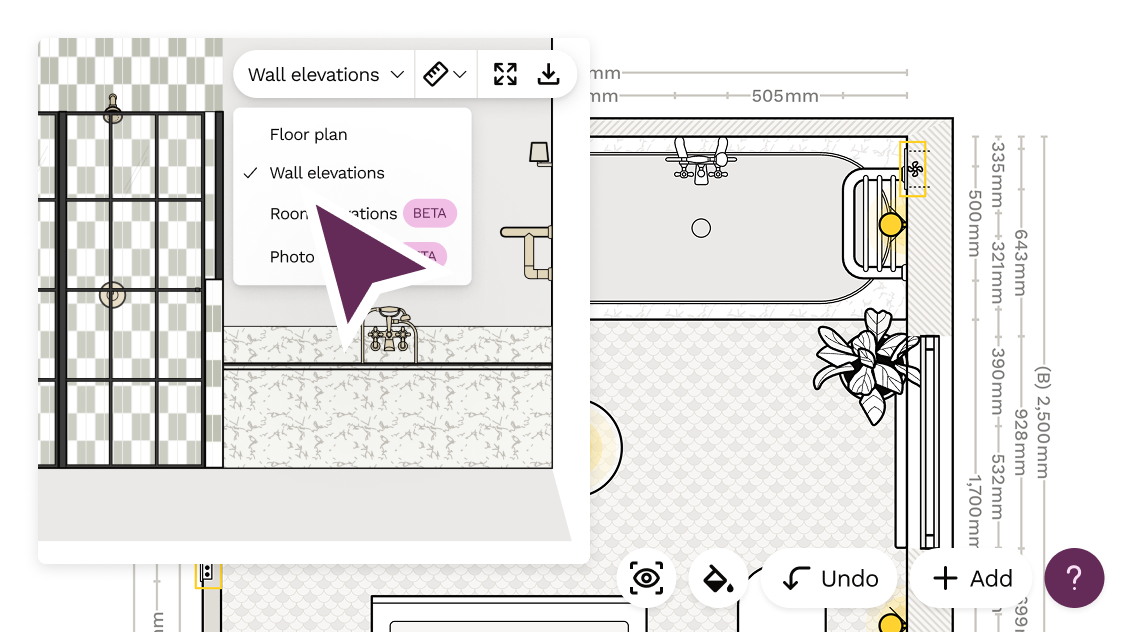
With Reno, everything is in 2D, because that's how buildings are actually built.
- Plans are accurate to the millimetre
- Floor plans and wall elevations are connected
- You are always working with real-world dimensions
You don't need to "translate" a model into a buildable plan later.
Simplicity vs flexibility
SketchUp is fully customisable and incredibly powerful.
But that comes with a trade-off:
It takes time to learn, and even more time to use properly.
We regularly hear things like:
- I spent a day learning SketchUp and still couldn't use it
- I don't want to learn how to create a 3D model just to plan my bathroom / kitchen / extension
- Reno saved me from having to learn SketchUp
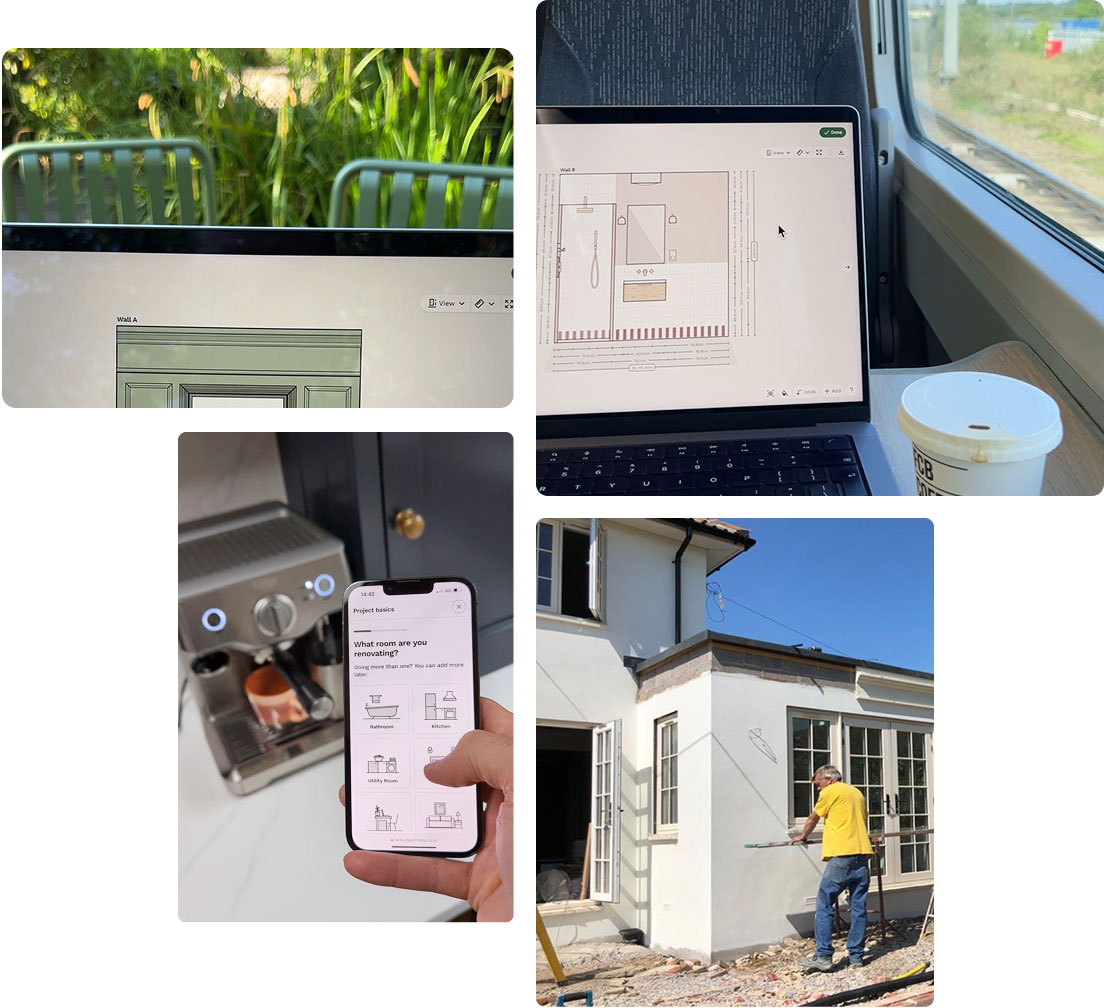
Reno takes a different approach.
- Focused on the decisions you actually need to make
- No layers, plugins or setup required
- Designed to get you to a working plan quickly
Planning a renovation vs building a model
SketchUp is great for:
- Visualising ideas in 3D
- Creating presentation models
- Exploring complex designs
Reno is built specifically for renovation planning.
It helps you:
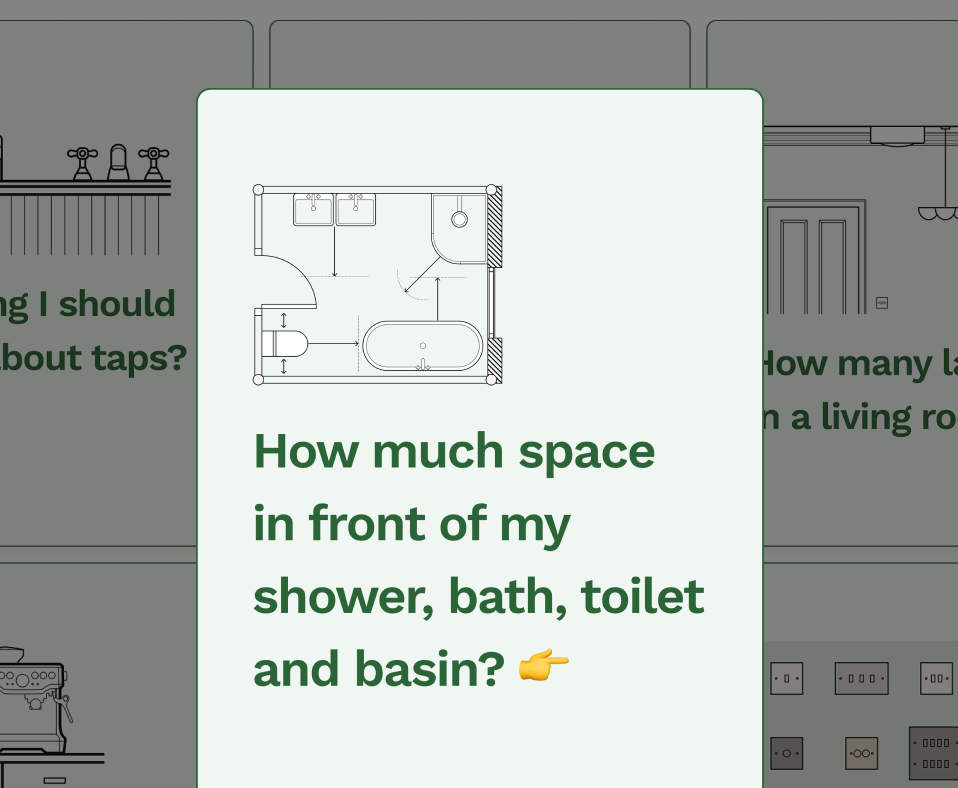
- Lay out rooms to real-world dimensions
- Plan fixtures, fittings and structure
- Think through decisions you might otherwise miss
- Communicate clearly with trades and suppliers
- Get and compare quotes
Build teams quote from 2D plans, that's just how it works! Unlike SketchUp, Reno's not just a model.
It's your plan, your brief, and your reference point for decisions.
Designed for 3D modellers vs designed for renovators
SketchUp is a better fit if you are:
- A 3D visualiser / 3D designer or architect
- Comfortable with 3D modelling tools
- Creating visualisations or detailed models
Reno is designed for:
- Homeowners
- Interior designers and trades
- Anyone planning a renovation without specialist training
Think simpler controls, guided workflows, and no need to learn CAD or 3D modelling software.
Avoiding mistakes (this is the big one)
Most renovation issues don't come from bad drawings.
They come from:
- Missing decisions
- Poor planning
- Not understanding constraints early enough
Reno is built around reducing those risks by:
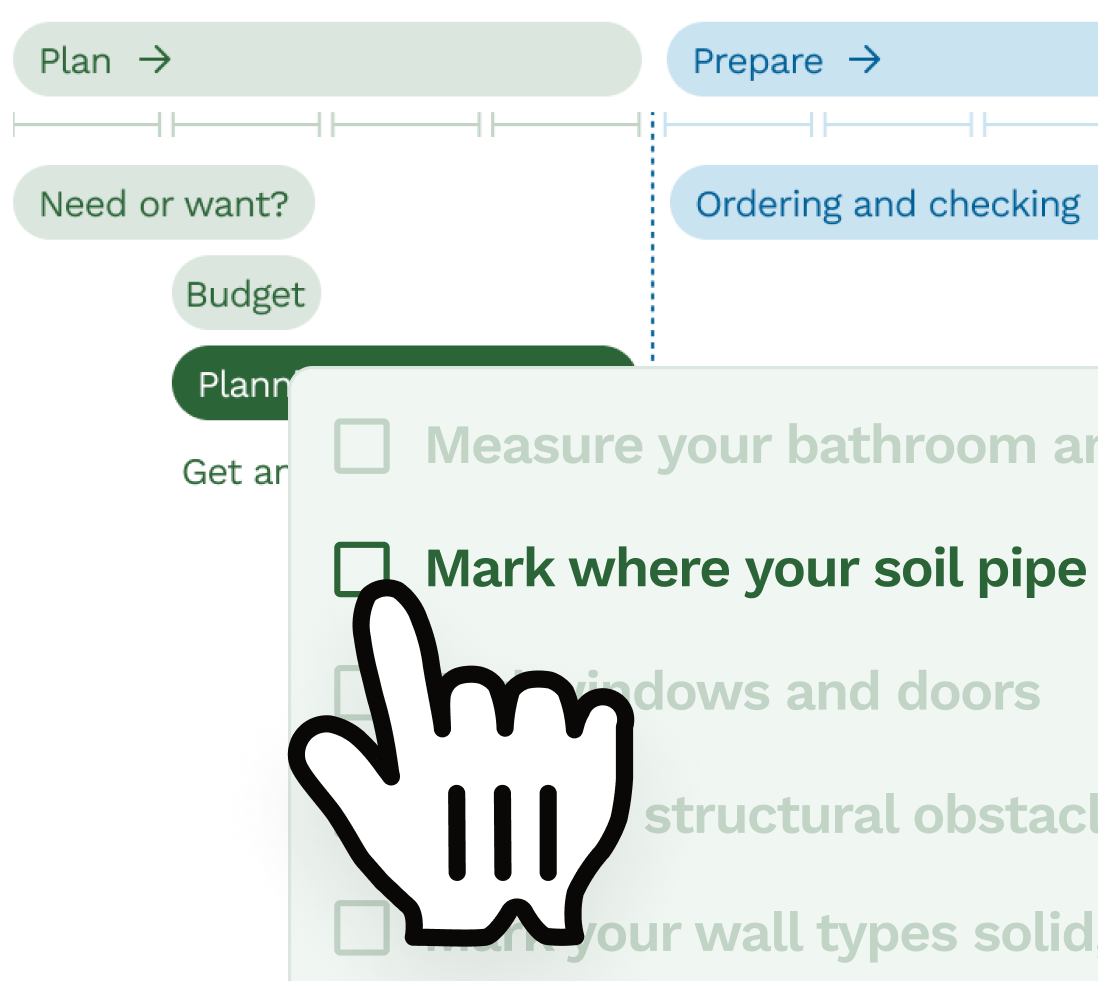
- Prompting key decisions
- Helping you create effective plans quickly
- Keeping everything connected to communicate clearly: plan, brief, quotes and shopping list
Which should you choose?
Choose SketchUp if:
- You want to create a detailed 3D model
- You are comfortable learning complex software
- You have time to invest in modelling and setup
Choose Reno if:
- You are planning a renovation project
- You want a plan trades can quote from
- You want to work in real-world dimensions without extra setup
- You want to avoid missing things that become expensive later
Want to plan a renovation properly? Reno is built for that.
Frequently asked questions
What is the difference between Reno and SketchUp?
The main difference is that Reno is a renovation planning tool, while SketchUp is a 3D modelling tool. Reno focuses on layout, decision-making and real-world planning, whereas SketchUp is designed for creating 3D models and visualisations.
Is SketchUp good for planning a home renovation?
SketchUp can be used for renovation planning, but it is primarily a 3D modelling tool, so it requires setup and experience to use effectively. It is often more complex than needed for straightforward renovation planning.
Is Reno easier to use than SketchUp?
Yes, Reno is designed to be much easier to use, especially for non-technical users. SketchUp has a steeper learning curve and often requires time to learn before you can use it effectively.
Do I need to learn 3D modelling to plan a renovation?
No, you do not need to learn 3D modelling to plan a renovation. Most renovation planning is based on accurate 2D layouts, which tools like Reno are designed to handle directly.
Is 2D or 3D better for renovation planning?
2D planning is generally better for renovation work because it allows for accurate measurements and clear layouts. 3D models can help with visualisation, but they are not essential for planning how a space will be built.
Can SketchUp create accurate floor plans?
Yes, SketchUp can create accurate floor plans, but it requires manual setup and careful modelling. It is not specifically designed for quick, millimetre-accurate renovation planning.
Does Reno include both floor plans and wall elevations?
Yes, Reno combines floor plans and wall elevations in one connected workflow, so changes update automatically across the plan without needing to recreate drawings.
What is the best alternative to SketchUp for home renovations?
Reno is a strong alternative to SketchUp for home renovations because it focuses on practical planning, ease of use and real-world decisions, rather than complex 3D modelling.
Which tool is better for beginners, Reno or SketchUp?
Reno is better for beginners because it is designed for non-technical users with a low learning curve, while SketchUp typically requires time to learn and get comfortable with.
Should I use SketchUp or a renovation planning tool?
You should use SketchUp if you want to create detailed 3D models and are comfortable learning the software. A renovation planning tool like Reno is better if you want to plan layouts, make decisions and avoid mistakes during a real project.
Related articles
Product comparison
Best floor plan creation software for UK renovations in 2026
Comparing Reno, Floorplanner, Planner 5D, SketchUp, Rayon and Canva Whiteboards for real UK renovation planning.
Product comparison
Reno versus Rayon: Which is right for your renovation?
Planning a renovation and looking at tools like Rayon? Read this first to compare the differences between Reno and Rayon.
Product comparison
Best trade quoting software for renovation jobs in 2026
A practical comparison of quoting options for renovation jobs, from Reno and trade admin tools to accounting software, spreadsheets and WhatsApp.
Product comparison
Best home renovation planning tools in 2026
A practical comparison of renovation planning tools, from Reno and SketchUp to Pinterest, Canva, spreadsheets and WhatsApp.
Product comparison
What to look for in home renovation planning software
Frequently asked questions about choosing renovation planning software, including 2D plans, wall elevations, quotes and ease of use.
Product comparison
Why we're building a renovation planning app in the UK
Why Reno is being built around the awkward details of UK renovations, clearer homeowner briefs and accurate 2D planning.
Free tools to get started

Join our mailing list and get 10% off
Who are you? *
By signing up, you are agreeing to our Terms and Privacy Policy including receiving emails from us at Reno (you can unsubscribe at any time). Opted out but want back in? Re-subscribe to the mailing list .
Start your renovation with Reno