Help & advice
What to look for in home renovation planning software
Last updated: June 9, 2026
Choosing software to help you plan your home renovation is not just about finding something that draws a nice room.
A renovation plan has to do more than look good on screen. We've all played the Sims or at least heard of it - and that's not going to get your tiles in the right layout or your sockets in the right place when the build comes around.
Home renovation planning software needs to help you work out what fits, what needs deciding, what affects the cost, what needs to be shared with trades and what could go wrong if those decisions are missed.
That is why the best tool depends on the kind of planning you are actually doing.
If you are only collecting inspiration, a tool for creating a mood board may be enough.
If you are just moving furniture around, a basic room planner might work.
But if you are planning a real renovation, you need something that connects the layout, decisions, products, details and people involved.
Start with the problem you are trying to solve
Before comparing tools, be honest about what you need the software to help with.
Are you trying to:
- Check if a layout works
- Measure a room accurately
- Plan where fixtures and fittings go
- Work out socket, switch and lighting positions
- Compare products and finishes
- Create wall elevations
- Share a plan with trades
- Build a brief
- Get clearer quotes
- Track what has been chosen
- Avoid decisions being made too late
- Create a shopping list
Those are all slightly different jobs.
A tool that is good for inspiration may not be good for quoting.
A tool that is good for 3D modelling may not be simple enough for day-to-day renovation planning.
A tool that helps with budgets may not show the space properly.
For a renovation, the best software is usually the one that helps you move from ideas to decisions.
Accurate 2D floor plans
A to-scale floor plan is the foundation of a good renovation plan.
It helps you understand:
- What fits
- Where furniture can go
- How doors swing
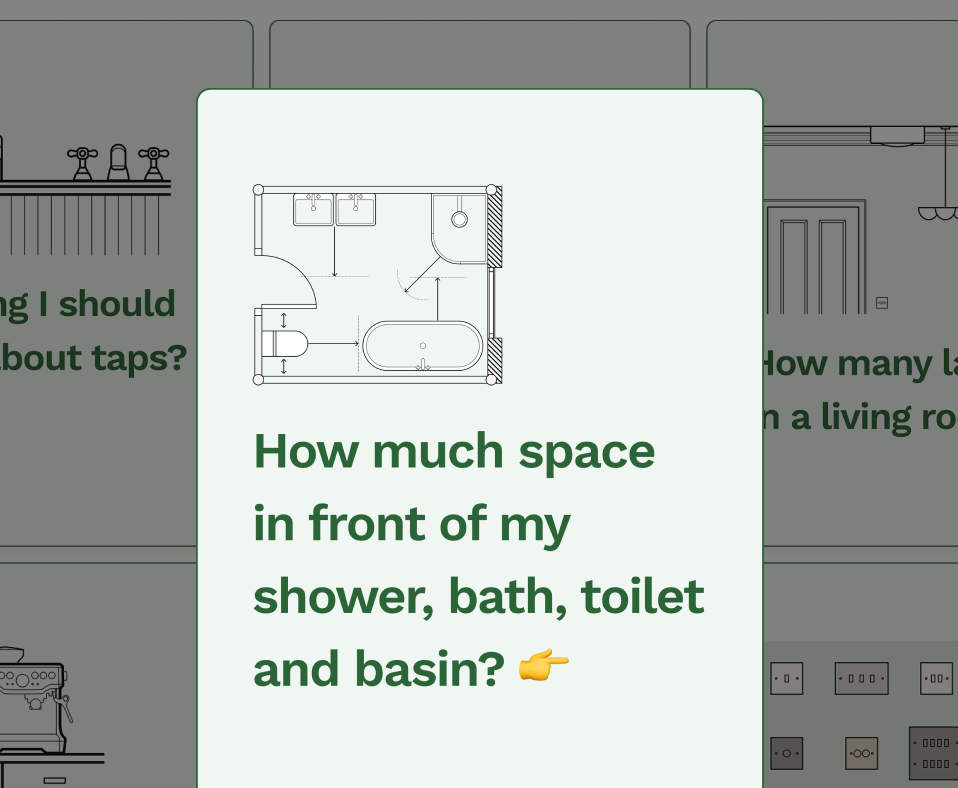
- Whether there is enough circulation space
- What changes if a fixture moves
- Where sockets, switches and radiators might need to go
This is especially important in kitchens, bathrooms, utilities, bedrooms and living rooms, where a small layout change can affect plumbing, electrics, storage or cost.
Look for software that lets you create accurate 2D plans, not just rough sketches.
You should be able to set dimensions, place items accurately and adjust the plan as decisions change.
Reno is built around this kind of practical 2D planning. 2D keeps the process simple, easy to use across devices and focused on the details that matter during a renovation. It's also far easier to understand, with a combination of drawing and symbol styles to immediatelty recognise electric and plumbing points as well as your layout, structural, decor and furniture related decisions. Read more on the best floor plan creation software for UK renovations in 2026.

Wall elevations
Floor plans show the room from above.
But lots of renovation decisions happen on the walls.
That is why wall elevations are so useful.
They help you plan:
- Tiles
- Panelling
- Splashbacks
- Sockets and switches
- Wall lights
- Mirrors
- Cabinets
- Shelving
- Recesses
- Radiators and towel rails
- Shower controls
- Wall-mounted tap positions
- Skirting, coving and trim
- Paint plans down to colour blocking, drenching
Without elevations, it is easy to miss details that only become obvious once someone is standing in the room asking where something should go.
For bathrooms and kitchens especially, wall elevations can make the difference between a vague idea and a plan your trade can actually understand.
Reno connects floor plans and wall elevations, starting your wall elevations automatically with switches, sockets and anything else attached to your walls placed at the standard vertical height, with your furntiure placement in front so you are not having to redraw the same room in separate places.
Fixtures, fittings and products
A renovation planning tool should help you think beyond generic boxes.
A "bath" is not always just a bath. A freestanding bath, built-in bath and shower-over-bath all create different decisions.
The same applies to:
- Toilets
- Basins
- Showers
- Taps
- Kitchen appliances
- Radiators
- Lighting
- Storage
- Furniture
- Tiles
- Flooring
- Paint
- Wall finishes
The more specific your plan becomes, the easier it is to understand what needs ordering, what affects installation and what needs to be shared with the people doing the work.
Look for software that lets you add the links to your actual products, notes or specifications, not just vague placeholder items.
That is where renovation planning becomes more useful than visual room design. Planning a bathroom or kitchen? Read more on things you'll wish you knew earlier if you are supplying the sanitaryware and where should appliances go in a kitchen.
Electrical and lighting planning
Sockets and lighting are easy to underestimate.
They are also decisions you often need to make earlier than expected.
Before first fix, you may need to know:
- Where sockets go
- Where switches go
- Which switches control which lights
- Which lights are ceiling, wall or task lights
- Where appliance sockets are needed
- Whether you need shaver sockets or mirror lighting
- Where TV points, data points or chargers go
- Whether furniture will block access
A good renovation planning tool should make it easy to mark these things on the plan.
This helps avoid vague conversations like "just put a socket over there" when the wall has not been tiled, painted or fitted out yet. Get started by reading what needs to be decided before first fix, where do you want the light switches and where to put plug sockets in a living room.
Planning before first fix
One of the biggest benefits of renovation planning software is helping you make decisions before they become expensive to change.
First fix is where hidden plumbing, electrics, ventilation and heating work usually happen.
By that stage, decisions about layout, fixtures, lights, switches, sockets and some wall-mounted items matter.
If the software only helps you make a pretty picture, it may not help you with the questions your builder, electrician or plumber will actually ask.
A better planning tool should help you spot those decisions earlier.
Ask whether the software helps you plan:
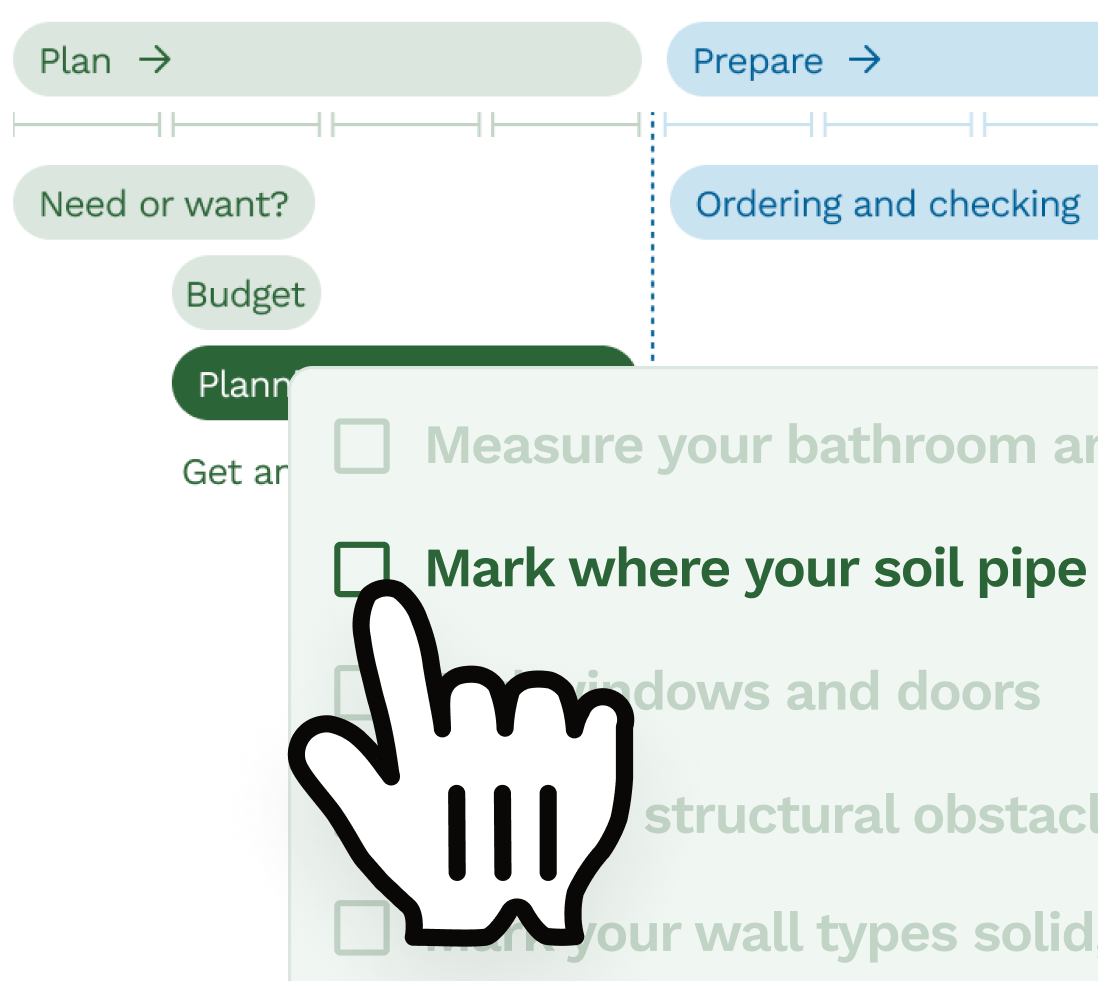
- Where the soil pipe and other plumbing points are
- Where light fixtures, switches, sockets, isolation points are
- Where there are wall-mounted items, what type of wall?
- If a wall is to be insulated
- Any built-in storage
- Tiled areas
- Wet areas
- Fixture heights
- Appliance locations
- Radiator or towel rail positions
These are the things often missed! Read more about what needs to be decided before first fix.
Mood boards and visual direction
Mood boards are useful.
They help you collect the look and feel of a room before you start buying things.
A good moodboard can bring together:
- Colours
- Materials
- Product ideas
- Finishes
- Inspiration images
- Furniture styles
- Lighting references
This can be especially helpful if more than one person is involved in the decision.
But a mood board is not a renovation plan. It can show the direction, but it does not show whether the layout works, whether the basin fits, where the socket goes or what needs to be quoted. Mood boards are most useful when they sit alongside the plan, not instead of it.
Visual previews
Visualisation can be helpful, but it is worth being clear about what kind of visualisation you need.
Some tools focus on 3D modelling. That can be powerful, but it can also mean more time learning software than actually planning the renovation.
Reno is proudly 2D, but includes AI Photo Preview to help you get a sense of the layout, materials, textures and lighting from your plan.
That means you can stay focused on accurate planning while still getting a better sense of how the finished room could feel.
Reno AI is experimental and in beta, so it can make mistakes. But for many renovation decisions, it gives the visual context people often want from 3D without asking them to build a full 3D model. Check out our floor plan gallery and example projects for examples.

Specifications and shopping lists
A renovation planning tool becomes much more useful when it helps you turn decisions into a usable list.
At some point, you need to know:
- What has been chosen
- Where it goes
- Who is supplying it
- What size it is
- What finish it is
- What still needs deciding
- What needs ordering
- What needs to be quoted
This is where specifications and shopping lists matter.
If the software lets you build this information from the plan, it reduces the risk of decisions being scattered across screenshots, messages, spreadsheets and memory. A clearer specification also makes it easier for trades to understand what they are pricing.
Briefs and quotes
For a renovation, a quote is only as good as the brief behind it.
If the plan is vague, the quote will be vague too.
Good renovation planning software should help you create a clear brief that shows:
- The layout
- The scope of work
- Fixtures and fittings
- Finishes
- Notes and assumptions
- What is included
- What is not included
- What still needs deciding
This is useful for homeowners getting quotes, designers working with clients and trades trying to price work clearly.
Reno is built to connect the plan, brief and quote, so the information does not sit in separate places. That is especially useful when decisions change and everyone needs to understand what has changed with them. Read how do I find good trades for my project? and how to work well with your trades.
Sharing and collaboration
Renovations involve a lot of people.
Even a small project might include:
- Homeowners
- Partners or family members
- Builders
- Electricians
- Plumbers
- Joiners
- Tilers
- Interior designers
- Suppliers
The software you choose should make it easy to share the plan clearly.
Look for ways to export, send or present the plan so other people can understand it without needing to sit beside you and decode what you meant.
The aim is not just to make something for yourself. It is to create something other people can work from.
Ease of use
This matters more than people think.
A powerful tool is only useful if you actually use it.
If the learning curve is too steep, you may end up going back to screenshots, notes and rough sketches.
That is fine at the very beginning, but it becomes risky once decisions start affecting cost, timing and work on site.
For most homeowners, and plenty of designers and trades, the best renovation planning software is the one that feels easy enough to keep using throughout the project, not just once at the start.
What to avoid
Be careful with tools that only solve one small part of the problem.
For example:
- A mood board tool will not tell you if the layout works
- A 3D tool may not help with socket positions or quote details
- A spreadsheet will not show the space
- WhatsApp will not keep decisions organised
- A basic room planner may not handle elevations, specifications or build details
None of these tools are bad.
They just have limits.
The risk is assuming they are a full renovation plan when they are really only one part of it.
The main things to look for
If you are comparing home renovation planning software, look for:
- Accurate 2D floor plans
- Wall elevations
- Fixtures, fittings and finishes
- Socket, switch and lighting planning
- Product notes and specifications
- Mood boards
- Shopping lists
- Briefs and quote support
- Easy sharing
- A low learning curve
- A workflow that supports real renovation decisions
For a simple style refresh, you may not need all of this.
For a proper renovation, it makes a big difference.
The important difference
Home renovation planning software should help you make decisions before they become expensive.
That is the point.
Not just a nicer drawing.
Not just a pretty room visual.
A clearer plan.
A better brief.
Fewer missing details.
And fewer moments where everyone realises too late that something important was never actually decided.
FAQs
What should I look for in home renovation planning software?
Look for software that helps with accurate 2D floor plans, wall elevations, fixtures, fittings, sockets, switches, lighting, product specifications, shopping lists, briefs and sharing plans with trades. A good renovation tool should help you make decisions, not just draw a room.
Is 2D or 3D better for renovation planning?
2D is often better for practical renovation planning because it shows measurements, layouts, wall elevations and exact positions clearly. 3D can help with visualisation, but it is not always the best way to plan sockets, plumbing, tiles, fittings or trade details.
Do I need CAD experience to use renovation planning software?
No. Many renovation planning tools are designed for homeowners, designers and trades who do not have CAD training. For most renovation projects, ease of use is more important than complex modelling features.
Why are wall elevations useful in renovation planning?
Wall elevations show what happens on each wall, not just the floor layout. They are useful for planning tiles, sockets, switches, lighting, mirrors, cabinets, shelving, radiators, towel rails, panelling and other wall-mounted details.
Can renovation planning software help with quotes?
Yes, the right software can help create a clearer brief for quotes by showing the layout, fixtures, fittings, finishes, notes and assumptions. A clearer plan helps trades understand what they are pricing and reduces the risk of misunderstandings.
Is a moodboard enough to plan a renovation?
No. A moodboard is useful for colours, finishes and visual direction, but it does not show whether the layout works, where services go or what trades need to quote. It should sit alongside a proper renovation plan.
What is the easiest renovation planning software for homeowners?
The easiest renovation planning software is usually one that avoids a steep CAD or 3D modelling learning curve. Look for a tool with simple 2D planning, wall elevations, drag-and-drop items, product notes and easy sharing.
Why is renovation planning software better than WhatsApp and spreadsheets?
WhatsApp and spreadsheets can be useful for early ideas, lists and conversations, but they can easily separate decisions from the actual plan. Renovation planning software keeps the layout, products, notes and decisions together so less gets lost.
Related articles
Product comparison
Best floor plan creation software for UK renovations in 2026
Comparing Reno, Floorplanner, Planner 5D, SketchUp, Rayon and Canva Whiteboards for real UK renovation planning.
Product comparison
Is Reno an alternative to using SketchUp for your home design
Lots of Reno users tried out SketchUp for their renovation project before coming to Reno, so we've compared the two to help you understand the difference.
All rooms
How to plan a home renovation project from start to finish
A start-to-finish renovation planning guide covering surveys, scaled plans, approvals, quotes, ordering, communication and snagging.
Product comparison
Why we're building a renovation planning app in the UK
Why Reno is being built around the awkward details of UK renovations, clearer homeowner briefs and accurate 2D planning.
Free tools to get started
Join our mailing list and get 10% off
Who are you? *
By signing up, you are agreeing to our Terms and Privacy Policy including receiving emails from us at Reno (you can unsubscribe at any time). Opted out but want back in? Re-subscribe to the mailing list .
Start your renovation with Reno